Computers, networks, and safe habits
Students learn how computers, phones, and the internet actually work behind the screen. They set up accounts safely, troubleshoot common problems, and see how data moves between devices.
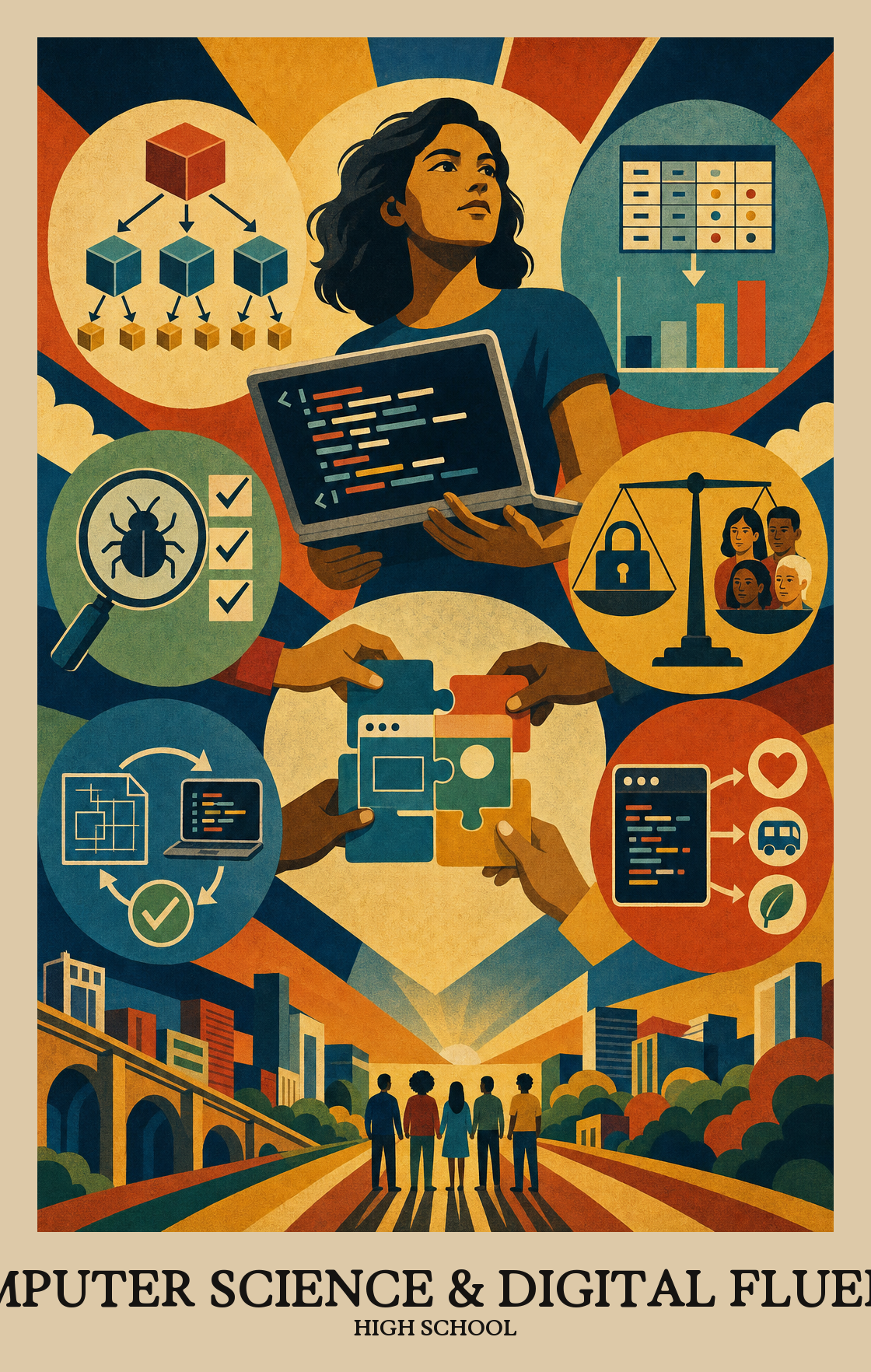
High school is the year students stop being users of technology and start building with it. Students write real programs, work with data sets, and break big problems into smaller pieces a computer can handle. They also weigh the trade-offs of the tools they build, from privacy to bias to who gets left out. By spring, students can plan and write a working program, test it, and explain what it does and why it matters.
Students learn how computers, phones, and the internet actually work behind the screen. They set up accounts safely, troubleshoot common problems, and see how data moves between devices.
Students start breaking real problems into smaller pieces a computer can handle. They write short programs, fix bugs as they go, and learn to read code the way they read a recipe.
Students design longer programs and small apps from scratch. They plan before they code, test their work against real examples, and revise based on what actually happens when someone uses it.
Students collect numbers and text from real sources, clean them up, and turn them into charts that tell a clear story. They learn to back up a claim with the data instead of a hunch.
Students work in small teams to build something useful, splitting the work and giving each other feedback. They practice the habits of a real software team, including code reviews and shared deadlines.
Students look at how technology shapes daily life, from privacy and security to bias in apps they already use. They present a final project and explain the choices they made and who it affects.
Students pick the right hardware and software for a given task, then work through a fix when something breaks. That means choosing the right tools before starting and knowing where to look when the computer does not cooperate.
Students learn how the internet moves data between devices and why that matters for everyday tasks like sending a message, sharing a file, or keeping personal information private.
Students gather raw data, clean or reorganize it, and display it using charts or tables. Then they use software tools to spot patterns and back up a conclusion with numbers.
Students write code that solves a real problem or automates a repetitive task, then test and refine it. The focus is on building something that actually works, not just understanding how code functions in theory.
Students look at how technology shapes real life: who benefits, who gets left out, and what rules should govern it. They consider privacy, fairness, and the legal questions that come up when software affects people's lives.
| Standard | Definition | Code |
|---|---|---|
| Identify, select, and apply hardware, software High School | Students pick the right hardware and software for a given task, then work through a fix when something breaks. That means choosing the right tools before starting and knowing where to look when the computer does not cooperate. | FL-CSDF.C1.9-12 |
| Explain how computer networks and the Internet enable communication… High School | Students learn how the internet moves data between devices and why that matters for everyday tasks like sending a message, sharing a file, or keeping personal information private. | FL-CSDF.C2.9-12 |
| Collect, transform, and represent data High School | Students gather raw data, clean or reorganize it, and display it using charts or tables. Then they use software tools to spot patterns and back up a conclusion with numbers. | FL-CSDF.C3.9-12 |
| Design, develop, and analyze algorithms and programs to solve problems… High School | Students write code that solves a real problem or automates a repetitive task, then test and refine it. The focus is on building something that actually works, not just understanding how code functions in theory. | FL-CSDF.C4.9-12 |
| Investigate the social, ethical, legal High School | Students look at how technology shapes real life: who benefits, who gets left out, and what rules should govern it. They consider privacy, fairness, and the legal questions that come up when software affects people's lives. | FL-CSDF.C5.9-12 |
Students learn to build teams and projects that welcome different backgrounds and points of view. The goal is computing work that people of all identities can join, contribute to, and see themselves in.
Students work with others to build a program, app, or other tech project. They split up tasks, share ideas, and revise each other's work before putting it all together.
Students look at a real problem, decide whether a computer could help solve it, and break it into smaller pieces that are easier to tackle one at a time.
Students learn to zoom out from the messy details of a program or system and find the simpler pattern underneath. That pattern can then solve a whole category of problems, not just one.
Students write programs or build simulations by testing, fixing, and improving their work in repeated cycles until the result does what it should.
Students run planned tests on programs or apps they've built, then fix what breaks or confuses users. The goal is code that actually works the way it's supposed to.
Students explain how a program works or why a technology matters, using the right words, diagrams, or data to make the case clear to the audience.
| Standard | Definition | Code |
|---|---|---|
| Foster an inclusive computing culture that values diverse perspectives and… High School | Students learn to build teams and projects that welcome different backgrounds and points of view. The goal is computing work that people of all identities can join, contribute to, and see themselves in. | FL-CSDF.P1.9-12 |
| Collaborate around computing — divide work, share ideas High School | Students work with others to build a program, app, or other tech project. They split up tasks, share ideas, and revise each other's work before putting it all together. | FL-CSDF.P2.9-12 |
| Identify and define problems that can be solved with computation and decompose… High School | Students look at a real problem, decide whether a computer could help solve it, and break it into smaller pieces that are easier to tackle one at a time. | FL-CSDF.P3.9-12 |
| Use abstractions to simplify complexity, generalise solutions High School | Students learn to zoom out from the messy details of a program or system and find the simpler pattern underneath. That pattern can then solve a whole category of problems, not just one. | FL-CSDF.P4.9-12 |
| Create computational artifacts — programs, simulations, models — by applying… High School | Students write programs or build simulations by testing, fixing, and improving their work in repeated cycles until the result does what it should. | FL-CSDF.P5.9-12 |
| Systematically test computational artifacts and refine them based on evidence… High School | Students run planned tests on programs or apps they've built, then fix what breaks or confuses users. The goal is code that actually works the way it's supposed to. | FL-CSDF.P6.9-12 |
| Communicate clearly with appropriate vocabulary, visualizations High School | Students explain how a program works or why a technology matters, using the right words, diagrams, or data to make the case clear to the audience. | FL-CSDF.P7.9-12 |
Students learn to write and debug programs, work with data, understand how networks and the internet move information, and think through the ethical side of technology. The year builds from small coding tasks to bigger projects students design and test themselves.
Sit next to them for ten minutes and ask them to explain what the code is supposed to do, line by line. Most stuck moments come from a small typo or a step in the wrong order. Free sites like Code.org, Khan Academy, and Replit give short practice problems that build confidence.
A basic laptop or Chromebook with internet access is enough for almost everything assigned. Most coding tools run in a browser, so a fancy machine is not required. If a home device is a problem, ask the school about loaner laptops or after-school lab time.
A common arc is to open with hardware, software, and basic troubleshooting, move into programming and algorithms through the fall, layer in data work midyear, and bring in networks and ethical impact alongside a capstone project in spring. Practices like collaboration and testing run through every unit.
Loops with conditional logic, variable scope, and reading error messages tend to trip up students well into the year. Data tasks also need reteaching when students confuse correlation with cause. Plan short review cycles instead of one long unit.
Students can take a real problem, break it into smaller parts, write a working program, test it, and explain what it does and where it could fail. They can also pull data into a spreadsheet or notebook, find a pattern, and back up a claim with evidence.
Look for a small portfolio of finished projects they can talk through, not just grades. If they can explain how their code works, what they tried when it broke, and what they would change, they are in good shape. A short internship or club project helps more than extra worksheets.
Real software is built in teams, so pair programming and small group projects belong in the plan. Keep individual checkpoints inside group work so each student still shows what they can do alone. A mix of about two-thirds individual and one-third collaborative grading works for most classes.
Ask what data an app collects before they install it, and who might see what they post. Short conversations about passwords, scams, and AI-generated content do more than one big lecture. Share a news story about a data breach or deepfake and ask what they think should happen next.