Skip to content

What does a student learn in ?

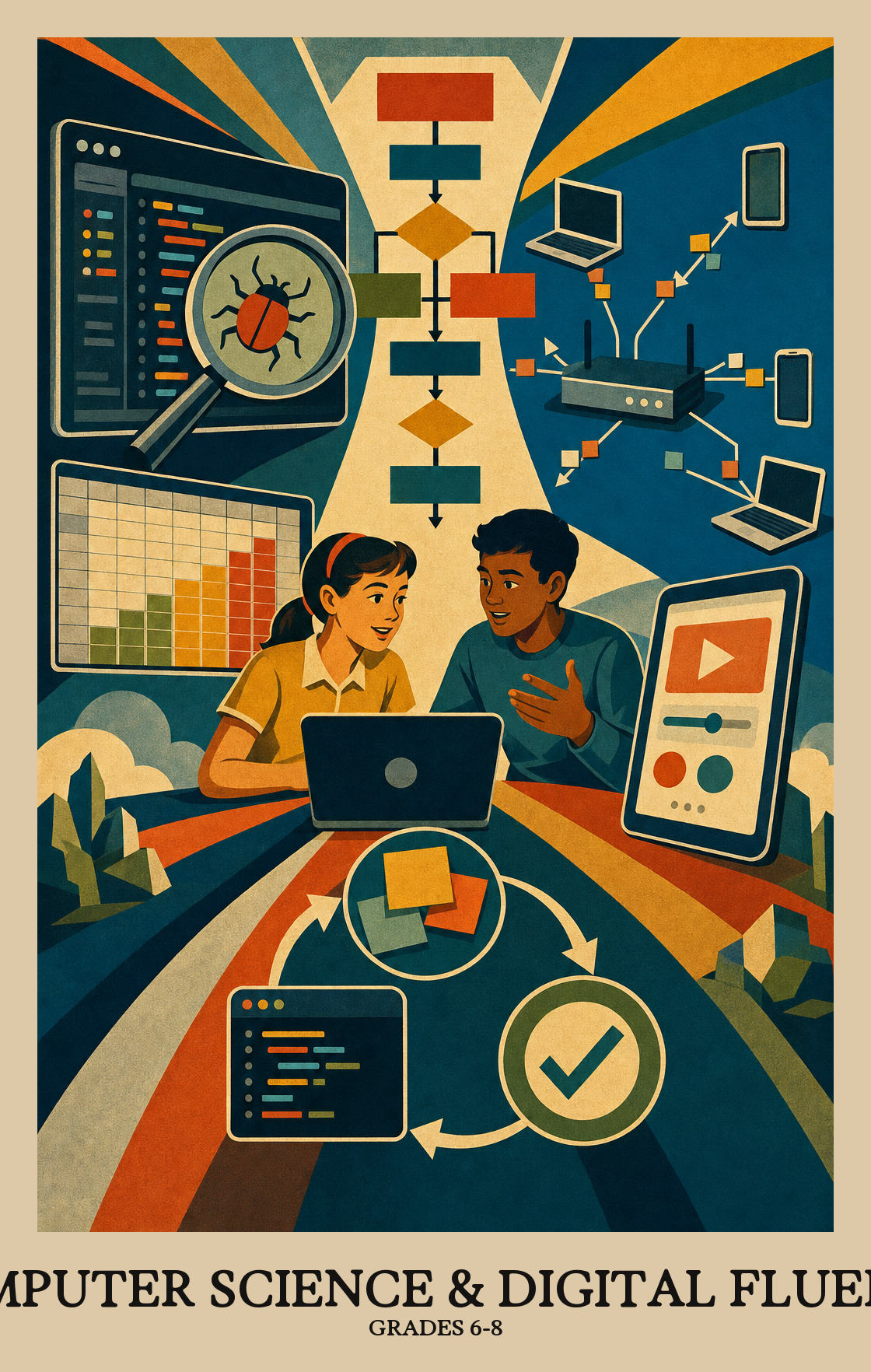
These are the years students stop just using technology and start building with it. Students write real programs, break big problems into smaller steps, and work through bugs the way a programmer does. They look at how networks move data, how to spot patterns in a spreadsheet, and how online choices affect real people. By spring, students can plan, code, and test a small program or project and explain how it works to someone else.

  • Coding and programs
  • Problem solving
  • Networks and the internet
  • Working with data
  • Online safety and ethics
  • Testing and debugging
Source: District of Columbia DC Academic Content Standards
Year at a glance
How the year usually goes. Every school and district set their own curriculum, so treat this as a guide, not official pacing.
  1. 1

    Computers, networks, and safe habits

    Students start the year learning how computers and the internet actually work. They practice picking the right tool for a task, troubleshooting when something breaks, and keeping accounts and personal data safe online.

  2. 2

    Working with data

    Students collect numbers from real situations, clean them up, and turn them into charts and tables. They look for patterns and back up their claims with evidence from the data instead of guesses.

  3. 3

    Thinking like a programmer

    Students break big problems into smaller steps and write algorithms that a computer can follow. They start building simple programs, then test them, find the bugs, and fix what is not working.

  4. 4

    Building and sharing projects

    Students design programs, simulations, or models in teams. They divide the work, give and take feedback, and improve their projects over several rounds before sharing the final version with an audience.

  5. 5

    Computing in the real world

    Students wrap up the year by looking at how technology shapes daily life. They discuss questions about privacy, fairness, and access, and explain their own work using clear vocabulary and examples.

Mastery Learning Standards
The required skills a student should display by the end of Grade 7.
Concepts
  • Identify, select, and apply hardware, software

    Grades 6-8

    Students learn to pick the right tools for the job, whether that means choosing an app, setting up a device, or figuring out why something isn't working. The focus is on matching hardware and software to what a task actually needs.

  • Explain how computer networks and the Internet enable communication…

    Grades 6-8

    Students learn how the internet moves data between devices and why some of that data is protected. They practice explaining how networks let people communicate and work together across distances.

  • Collect, transform, and represent data

    Grades 6-8

    Students gather raw information, organize it, and display it in charts or graphs. Then they use software tools to spot patterns and back up their conclusions with what the data actually shows.

  • Design, develop, and analyze algorithms and programs to solve problems…

    Grades 6-8

    Students write step-by-step instructions a computer can follow to solve a problem or automate a repetitive task, then test and improve those instructions until the program does what they intended.

  • Investigate the social, ethical, legal

    Grades 6-8

    Students look at how technology, apps, and software affect real people's lives, including questions of fairness, privacy, and who benefits or gets left behind.

Practices
  • Foster an inclusive computing culture that values diverse perspectives and…

    Grades 6-8

    Students practice working with people who think and problem-solve differently, and learn why computing works better when more kinds of people help build it.

  • Collaborate around computing — divide work, share ideas

    Grades 6-8

    Students work with a team to build a program or digital project, splitting up tasks and combining each person's work into one finished product.

  • Identify and define problems that can be solved with computation and decompose…

    Grades 6-8

    Students look at a real problem and decide whether a computer could help solve it. If so, they break it into smaller steps a program could actually follow.

  • Use abstractions to simplify complexity, generalise solutions

    Grades 6-8

    Students take a complicated problem and strip it down to the parts that matter, then use that simplified version to solve similar problems or explain how a program works.

  • Create computational artifacts — programs, simulations, models — by applying…

    Grades 6-8

    Students build programs or simulations by writing code, testing it, and improving it through multiple rounds of revision. The process repeats until the project works the way they intended.

  • Systematically test computational artifacts and refine them based on evidence…

    Grades 6-8

    Students run tests on their programs or digital projects to find what breaks or confuses users, then fix those problems using what they learn. The goal is a product that works correctly and is easy for others to use.

  • Communicate clearly with appropriate vocabulary, visualizations

    Grades 6-8

    Students explain how a program or digital tool works, using the right words and visuals to back up their points. That means labeling a diagram, defining a term correctly, or showing data that supports a claim.

Common Questions
  • What does middle school computer science actually cover?

    Students learn how computers and networks work, how to write simple programs, how to look at data for patterns, and how to think through problems step by step. They also talk about online safety, fairness in technology, and how computing affects people.

  • Does a student need a computer at home to keep up?

    It helps, but a phone or a borrowed device is often enough for practice. The bigger thing is time to tinker. Most schools and public libraries offer free access to coding sites and laptops if home access is limited.

  • How can a parent help at home in 10 minutes?

    Ask students to explain a program or app they used that day, step by step, like a recipe. Talk about a recent news story involving technology and ask what could go wrong or who might be left out. Small conversations build the habits of mind this subject is after.

  • How should the year be sequenced across the three grades?

    A common arc starts with hardware, networks, and digital citizenship, then moves into data and basic programming, then to bigger projects that combine algorithms, testing, and ethics. Spiralling the same ideas with harder problems each year tends to work better than one-and-done units.

  • Does a student need to memorise code?

    No. The goal is understanding how to break a problem into steps, spot patterns, and test what they build. Looking up syntax is normal, even for professionals.

  • Which skills usually need the most reteaching?

    Decomposition and debugging are the stubborn ones. Students often try to write a whole program at once and then get stuck. Slowing down to plan in plain language, test small pieces, and read error messages out loud pays off across every unit.

  • What does the ethics and impact piece look like in practice?

    Students discuss things like data privacy, bias in apps they use, and who benefits or gets harmed by a technology. It is not a separate unit so much as a regular question attached to projects: who is this for, and who might it leave out?

  • How is student work assessed if they are not taking tests on code?

    Most of the evidence comes from the artifacts students build, such as programs, data visualisations, and short write-ups explaining their choices. Rubrics usually look at how the problem was broken down, whether the work was tested, and how clearly the student can explain it.

  • How do teachers know students are ready for high school computer science?

    By the end of eighth grade, students should be able to take a fuzzy problem, break it into smaller parts, write or modify a short program to solve one part, and test it. They should also be able to talk about their work using accurate terms and consider its impact on others.