Computers, tools, and teamwork
Students learn how the parts of a computer work together and how to fix common problems like a frozen screen. They also set up habits for working with classmates and listening to different ideas.
This is the stretch when computers shift from a thing students use to a thing students build with. Students write step-by-step programs, fix the bugs, and learn why a small change in the code changes what happens on the screen. They start asking real questions about online safety, kind behaviour in shared spaces, and who owns the work people post. By spring, students can plan a simple program, test it, and explain what it does to a classmate.
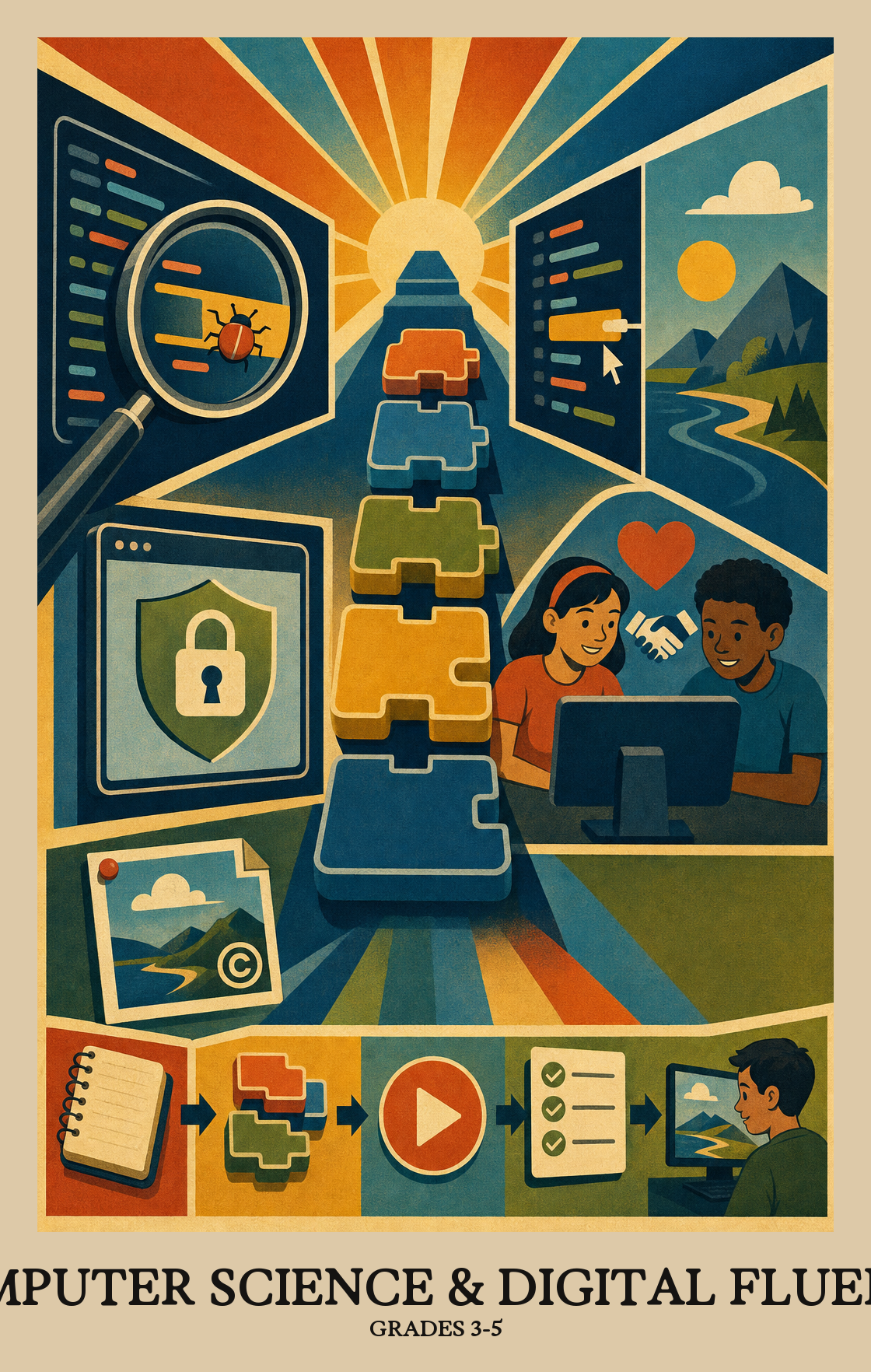
Students learn how the parts of a computer work together and how to fix common problems like a frozen screen. They also set up habits for working with classmates and listening to different ideas.
Students see how devices talk to each other across the internet and what it means to share information safely. Parents may hear about strong passwords, private versus public posts, and being kind online.
Students gather numbers and facts about things they care about, then turn them into charts and tables. They look for patterns and explain what the data shows.
Students break a problem into smaller steps and build short programs or animations to solve it. They test what they made, find the bugs, and fix them.
Students present their projects to others, using clear words and pictures to explain how things work. They also talk about how technology affects people, including who it helps and who it leaves out.
Students figure out which devices and programs are right for a job, then work through basic fixes when something breaks or does not work as expected.
Students learn how computers connect to share information, and why that matters for sending messages, working with others, and keeping data safe as it travels across the network.
Students gather information, organize it into charts or graphs, and use what they see to explain a pattern or support a conclusion.
Students write step-by-step instructions a computer can follow to solve a problem or automate a task. They test their solution, look for what breaks, and improve it.
Students look at how computers and apps affect everyday life, including who benefits, who might be left out, and what rules should apply. They think beyond how technology works to ask whether it is fair and who is responsible.
| Standard | Definition | Code |
|---|---|---|
| Identify, select, and apply hardware, software Grades 3-5 | Students figure out which devices and programs are right for a job, then work through basic fixes when something breaks or does not work as expected. | DE-CSDF.C1.3-5 |
| Explain how computer networks and the Internet enable communication… Grades 3-5 | Students learn how computers connect to share information, and why that matters for sending messages, working with others, and keeping data safe as it travels across the network. | DE-CSDF.C2.3-5 |
| Collect, transform, and represent data Grades 3-5 | Students gather information, organize it into charts or graphs, and use what they see to explain a pattern or support a conclusion. | DE-CSDF.C3.3-5 |
| Design, develop, and analyze algorithms and programs to solve problems… Grades 3-5 | Students write step-by-step instructions a computer can follow to solve a problem or automate a task. They test their solution, look for what breaks, and improve it. | DE-CSDF.C4.3-5 |
| Investigate the social, ethical, legal Grades 3-5 | Students look at how computers and apps affect everyday life, including who benefits, who might be left out, and what rules should apply. They think beyond how technology works to ask whether it is fair and who is responsible. | DE-CSDF.C5.3-5 |
Students practice working with classmates who think and problem-solve differently, and learn why including everyone's ideas makes computing projects stronger.
Students work with classmates to plan and build a computer project, splitting up tasks and combining everyone's ideas into one finished product.
Students look at a problem, decide whether a computer could help solve it, and then break it into smaller steps that are easier to tackle one at a time.
Students take a complicated problem and find the parts that repeat or stay the same, then use that pattern to build a simpler solution that works in more than one situation.
Students write programs or build digital projects through repeated cycles of trying, testing, and improving. Each round of edits gets the project closer to working the way it was intended.
Students build a program or interactive project, then test it step by step to find what breaks or confuses users. They use that feedback to fix and improve it until it works the way they intended.
Students explain how a program or digital tool works, using the right words and visuals to back up their thinking. They describe both what it does and how it affects the people who use it.
| Standard | Definition | Code |
|---|---|---|
| Foster an inclusive computing culture that values diverse perspectives and… Grades 3-5 | Students practice working with classmates who think and problem-solve differently, and learn why including everyone's ideas makes computing projects stronger. | DE-CSDF.P1.3-5 |
| Collaborate around computing — divide work, share ideas Grades 3-5 | Students work with classmates to plan and build a computer project, splitting up tasks and combining everyone's ideas into one finished product. | DE-CSDF.P2.3-5 |
| Identify and define problems that can be solved with computation and decompose… Grades 3-5 | Students look at a problem, decide whether a computer could help solve it, and then break it into smaller steps that are easier to tackle one at a time. | DE-CSDF.P3.3-5 |
| Use abstractions to simplify complexity, generalise solutions Grades 3-5 | Students take a complicated problem and find the parts that repeat or stay the same, then use that pattern to build a simpler solution that works in more than one situation. | DE-CSDF.P4.3-5 |
| Create computational artifacts — programs, simulations, models — by applying… Grades 3-5 | Students write programs or build digital projects through repeated cycles of trying, testing, and improving. Each round of edits gets the project closer to working the way it was intended. | DE-CSDF.P5.3-5 |
| Systematically test computational artifacts and refine them based on evidence… Grades 3-5 | Students build a program or interactive project, then test it step by step to find what breaks or confuses users. They use that feedback to fix and improve it until it works the way they intended. | DE-CSDF.P6.3-5 |
| Communicate clearly with appropriate vocabulary, visualizations Grades 3-5 | Students explain how a program or digital tool works, using the right words and visuals to back up their thinking. They describe both what it does and how it affects the people who use it. | DE-CSDF.P7.3-5 |
Students learn how computers and the internet work, write simple programs that follow step-by-step instructions, and sort information to spot patterns. They also talk about how to be safe and kind online. Most of the work happens on a tablet or laptop, often in pairs.
No. Most of the work happens at school on school devices. At home, talking through everyday step-by-step tasks, like a recipe or a morning routine, builds the same thinking. A library computer once a week is plenty for extra practice.
Free sites like Code.org and Scratch are a good 15 minutes after dinner. Ask students to explain what each block or step does and what they would change if it broke. Getting stuck and trying again is the lesson, so resist the urge to fix it for them.
A common arc starts with hardware and how devices and networks fit together, moves into data and simple programming, and ends with bigger projects that pull it all together. Online safety and collaboration habits run through every unit rather than sitting in one block.
Breaking a problem into smaller steps and debugging are the hardest. Students often want to rewrite a whole program instead of finding the one broken line. Short, repeated practice with tiny buggy programs helps more than one long project.
Keep the conversation steady and specific. Ask what sites and games are being used, who can send messages, and what to do if something feels off. Agree on a rule that students show a trusted adult anything that worries them, with no punishment for asking.
Most teachers grade the individual artifact, like the program or data project, along with short check-ins about what each student contributed. Pair work builds collaboration skills, but the final evidence of learning is each student explaining their own thinking.
By the end of the year, students should write a working program with loops and conditions, fix simple bugs on their own, and explain a data chart in plain language. They should also describe one real impact of technology on people, with an example.