Getting to know the computer
Students learn the names of the parts they touch every day, like the screen, keyboard, and mouse. They practice logging in, opening a program, and asking for help when something does not work.
This is when students first meet the computer as a tool they can direct, not just watch. They learn the names of the parts they touch, like the mouse, keyboard, and screen, and try simple fixes when something goes wrong. Students also build short sets of step-by-step instructions a computer or classmate can follow. By spring, they can put a small list of steps in the right order to make something happen on screen.
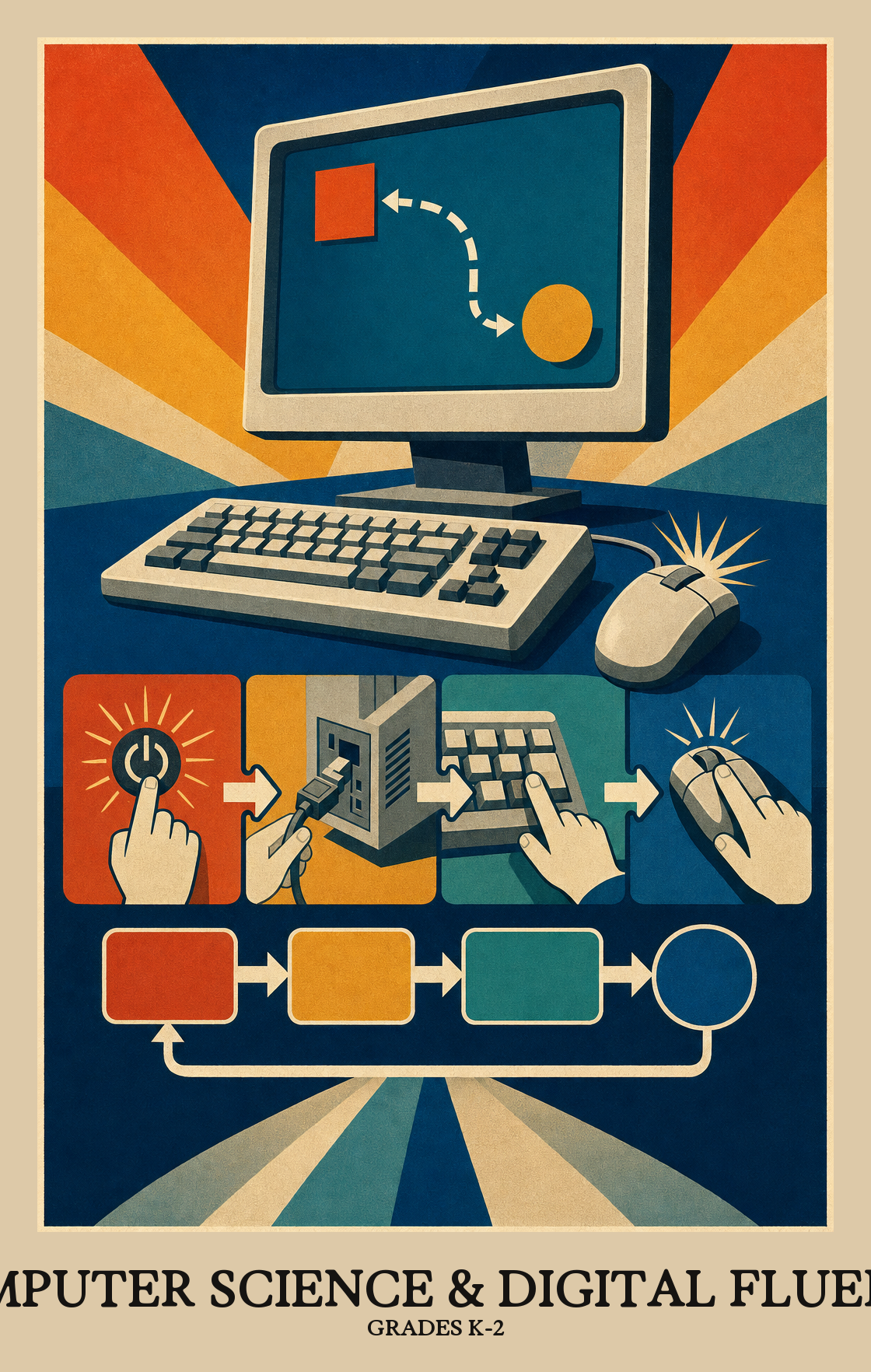
Students learn the names of the parts they touch every day, like the screen, keyboard, and mouse. They practice logging in, opening a program, and asking for help when something does not work.
Students start using the computer with classmates to make something together. They learn what the internet is for and simple rules for being kind and safe when sharing.
Students put steps in order to get a job done, like a recipe or a path through a maze. They write short programs that tell a character what to do, then fix the steps when something goes wrong.
Students collect simple information, like favorite snacks or the weather each day. They sort it into groups and show what they found in a picture graph or chart.
Students design a small project, like an animated story or a game, and try it out on a friend. They listen to feedback, make changes, and explain what their project does and why it matters.
Students learn what the parts of a computer do and how to choose the right tool for a task. When something stops working, they practice basic steps to figure out what went wrong.
Students learn what happens when computers connect to each other. They practice explaining how those connections let people send messages, share work, and keep information safe.
Students gather information, sort or count it, and show it in a chart or picture. Then they look for patterns in what they found and explain what the data tells them.
Students learn to give a computer step-by-step instructions to solve a problem or make something new, like a simple animation or a sorting game.
Students look at how computers and apps affect everyday life, including whether using them is fair, safe, and kind to others.
| Standard | Definition | Code |
|---|---|---|
| Identify, select, and apply hardware, software Grades K-2 | Students learn what the parts of a computer do and how to choose the right tool for a task. When something stops working, they practice basic steps to figure out what went wrong. | CT-CSDF.C1.k-2 |
| Explain how computer networks and the Internet enable communication… Grades K-2 | Students learn what happens when computers connect to each other. They practice explaining how those connections let people send messages, share work, and keep information safe. | CT-CSDF.C2.k-2 |
| Collect, transform, and represent data Grades K-2 | Students gather information, sort or count it, and show it in a chart or picture. Then they look for patterns in what they found and explain what the data tells them. | CT-CSDF.C3.k-2 |
| Design, develop, and analyze algorithms and programs to solve problems… Grades K-2 | Students learn to give a computer step-by-step instructions to solve a problem or make something new, like a simple animation or a sorting game. | CT-CSDF.C4.k-2 |
| Investigate the social, ethical, legal Grades K-2 | Students look at how computers and apps affect everyday life, including whether using them is fair, safe, and kind to others. | CT-CSDF.C5.k-2 |
Students practice working with classmates who have different backgrounds and ideas when solving problems on a computer or device. Everyone's perspective counts.
Students work with a partner or small group to plan and build a computer project. They split up the tasks, share ideas, and use each other's feedback to improve what they make.
Students look at a big task, like planning a birthday party or cleaning a room, and break it into smaller steps a computer (or a person) could follow one at a time.
Students learn to spot patterns and use them as shortcuts. Instead of solving the same problem from scratch each time, they find a rule that works for a whole group of problems.
Students write simple programs or build basic digital projects, then test and fix them in repeated rounds until the work does what they intended.
Students run a program or game they built, look for what breaks or confuses, and fix it. Testing and fixing is part of the work, not a sign something went wrong.
Students describe what a computer program does or how a digital tool works, using words and pictures that make sense to someone who wasn't there. They back up what they say with what they actually saw or made.
| Standard | Definition | Code |
|---|---|---|
| Foster an inclusive computing culture that values diverse perspectives and… Grades K-2 | Students practice working with classmates who have different backgrounds and ideas when solving problems on a computer or device. Everyone's perspective counts. | CT-CSDF.P1.k-2 |
| Collaborate around computing — divide work, share ideas Grades K-2 | Students work with a partner or small group to plan and build a computer project. They split up the tasks, share ideas, and use each other's feedback to improve what they make. | CT-CSDF.P2.k-2 |
| Identify and define problems that can be solved with computation and decompose… Grades K-2 | Students look at a big task, like planning a birthday party or cleaning a room, and break it into smaller steps a computer (or a person) could follow one at a time. | CT-CSDF.P3.k-2 |
| Use abstractions to simplify complexity, generalise solutions Grades K-2 | Students learn to spot patterns and use them as shortcuts. Instead of solving the same problem from scratch each time, they find a rule that works for a whole group of problems. | CT-CSDF.P4.k-2 |
| Create computational artifacts — programs, simulations, models — by applying… Grades K-2 | Students write simple programs or build basic digital projects, then test and fix them in repeated rounds until the work does what they intended. | CT-CSDF.P5.k-2 |
| Systematically test computational artifacts and refine them based on evidence… Grades K-2 | Students run a program or game they built, look for what breaks or confuses, and fix it. Testing and fixing is part of the work, not a sign something went wrong. | CT-CSDF.P6.k-2 |
| Communicate clearly with appropriate vocabulary, visualizations Grades K-2 | Students describe what a computer program does or how a digital tool works, using words and pictures that make sense to someone who wasn't there. They back up what they say with what they actually saw or made. | CT-CSDF.P7.k-2 |
Students learn the basic parts of a computer, like the screen, keyboard, and mouse, and how to use them safely. They also practice giving step-by-step directions, spotting patterns, and working together to solve small problems. Most of this happens through games, simple apps, and unplugged activities away from screens.
Talk through step-by-step directions for everyday tasks like making a sandwich or brushing teeth. Play sorting games with coins, socks, or toys to build pattern thinking. When something on a device stops working, slow down and walk through what to try first instead of fixing it for them.
Not in the way adults picture coding. Early students use picture-based apps where they drag blocks or arrows to move a character around a screen. The goal is to think in clear steps and notice when a direction is wrong, not to write real code.
A common path is to start with naming hardware and safe device habits, then move into giving and following step-by-step directions. From there, build into simple block-based programs and short data activities like sorting and tallying. Save discussions about online sharing and kindness for ongoing conversation across the year.
Debugging is the hardest part. Young students often want to start over instead of finding the one step that went wrong. Plan to model out loud how to read a program, predict what will happen, and fix only the broken piece. Vocabulary like input, output, and pattern also needs steady repetition.
Keep it simple and concrete. Students should know to ask a trusted adult before clicking, sharing a picture, or typing their name. A short rule like "check with a grown-up first" works better than long lectures about privacy.
By the end of second grade, students can name common parts of a device, follow and write a short sequence of steps, and fix a simple mistake in a block-based program. They can also sort information into groups and explain a pattern they notice. Group work and listening to a partner's idea matter just as much.