Using devices with confidence
Students learn to pick the right tool for the job and work through common tech hiccups on their own. Parents may notice fewer calls for help when something freezes or a printer won't connect.
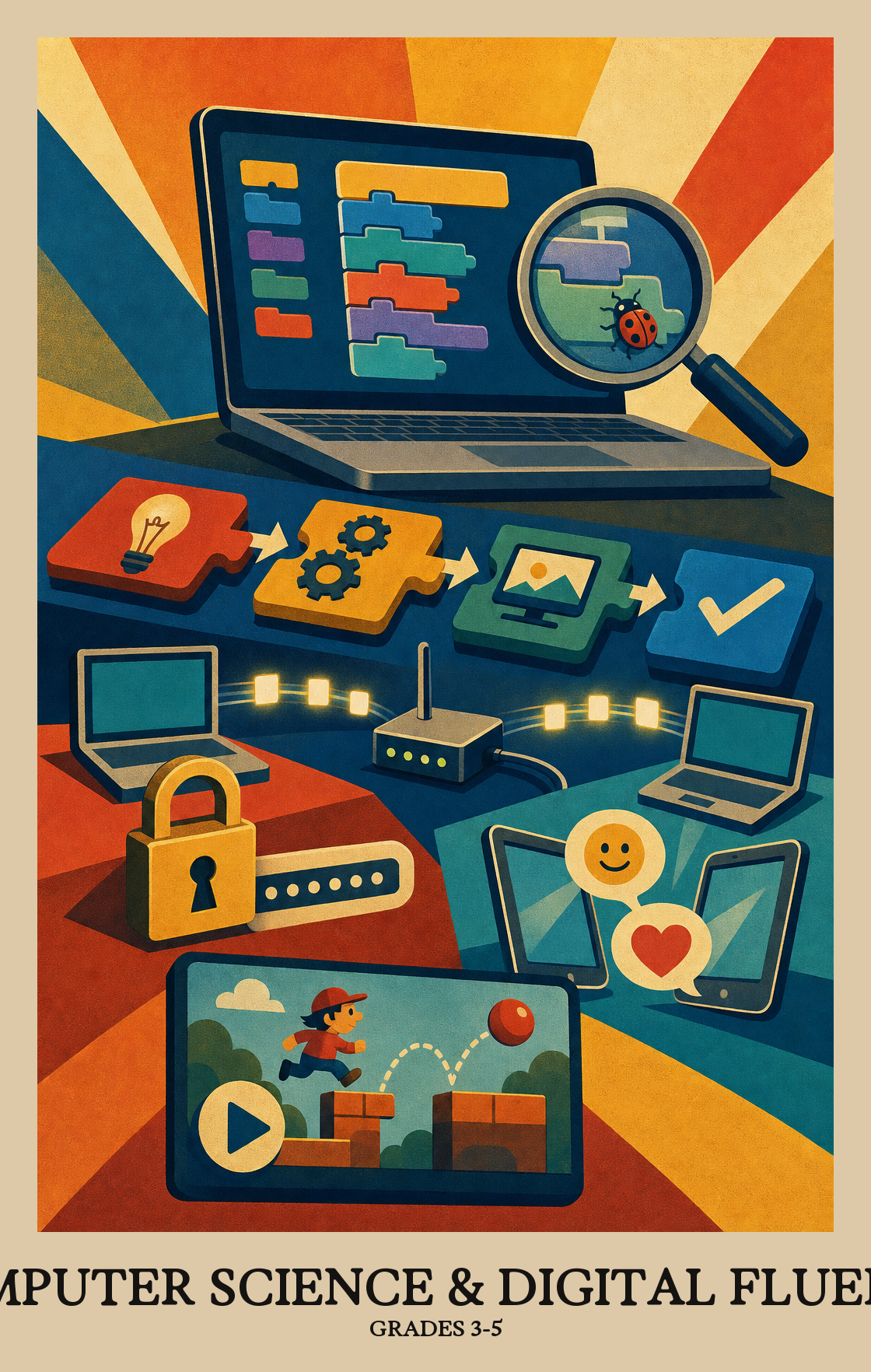
This is the stretch when students stop just using computers and start building with them. Students write simple programs, break a big problem into smaller steps, and fix bugs by testing what went wrong. They also learn how the internet moves information around and why passwords and kind online behavior matter. By spring, students can plan, code, and debug a small project like a game or animation, then explain how it works.
Students learn to pick the right tool for the job and work through common tech hiccups on their own. Parents may notice fewer calls for help when something freezes or a printer won't connect.
Students learn how messages and files travel between computers and how to keep passwords and personal information safe. They start thinking about what is okay to share online and what is not.
Students gather information, sort it into charts and graphs, and look for patterns. They begin backing up what they say with evidence from the numbers in front of them.
Students break big problems into smaller steps and write programs that follow them. When something doesn't work, they test, adjust, and try again until it does.
Students plan and build something with classmates, divide the work, and give each other feedback. They learn to explain their thinking using the right words and clear visuals.
Students look at how computers and apps shape daily life, who they help, and who they leave out. They talk about fairness, honesty, and giving credit when using someone else's work.
Students figure out which devices and programs fit a given task, then work through basic fixes when something stops working.
Students learn how the internet connects computers so people can send messages, share files, and work together. They also look at how data stays secure as it moves from one device to another.
Students gather information, organize it into charts or tables, and use what they find to back up a claim. The goal is reading the numbers well enough to say something true about them.
Students write step-by-step instructions a computer can follow to solve a problem or build something new, then look back at those steps to see if they can be improved.
Students look at how computers and apps affect everyday life, including who benefits, who might be left out, and what rules keep technology fair and safe.
| Standard | Definition | Code |
|---|---|---|
| Identify, select, and apply hardware, software Grades 3-5 | Students figure out which devices and programs fit a given task, then work through basic fixes when something stops working. | CT-CSDF.C1.3-5 |
| Explain how computer networks and the Internet enable communication… Grades 3-5 | Students learn how the internet connects computers so people can send messages, share files, and work together. They also look at how data stays secure as it moves from one device to another. | CT-CSDF.C2.3-5 |
| Collect, transform, and represent data Grades 3-5 | Students gather information, organize it into charts or tables, and use what they find to back up a claim. The goal is reading the numbers well enough to say something true about them. | CT-CSDF.C3.3-5 |
| Design, develop, and analyze algorithms and programs to solve problems… Grades 3-5 | Students write step-by-step instructions a computer can follow to solve a problem or build something new, then look back at those steps to see if they can be improved. | CT-CSDF.C4.3-5 |
| Investigate the social, ethical, legal Grades 3-5 | Students look at how computers and apps affect everyday life, including who benefits, who might be left out, and what rules keep technology fair and safe. | CT-CSDF.C5.3-5 |
Students practice working with classmates who have different backgrounds and ideas, making sure everyone has a real voice when the group solves problems with technology.
Students work with classmates to build a program or digital project, splitting up the tasks and combining everyone's ideas into one finished product.
Students spot a big problem, like planning a school event or sorting a collection, and break it into smaller steps a computer program could handle one at a time.
Students spot patterns in a problem and use them to build one solution that works in multiple situations, instead of solving the same problem from scratch each time.
Students build working programs or simple simulations, then go back and improve them. The process repeats: write, test, fix, and refine until the project does what they want.
Students run their program or project, look for what breaks or confuses, and fix it. Testing is part of the work, not the end of it.
Students explain how a program or digital tool works, using the right words and visuals to back up their point. They show their thinking, not just their answer.
| Standard | Definition | Code |
|---|---|---|
| Foster an inclusive computing culture that values diverse perspectives and… Grades 3-5 | Students practice working with classmates who have different backgrounds and ideas, making sure everyone has a real voice when the group solves problems with technology. | CT-CSDF.P1.3-5 |
| Collaborate around computing — divide work, share ideas Grades 3-5 | Students work with classmates to build a program or digital project, splitting up the tasks and combining everyone's ideas into one finished product. | CT-CSDF.P2.3-5 |
| Identify and define problems that can be solved with computation and decompose… Grades 3-5 | Students spot a big problem, like planning a school event or sorting a collection, and break it into smaller steps a computer program could handle one at a time. | CT-CSDF.P3.3-5 |
| Use abstractions to simplify complexity, generalise solutions Grades 3-5 | Students spot patterns in a problem and use them to build one solution that works in multiple situations, instead of solving the same problem from scratch each time. | CT-CSDF.P4.3-5 |
| Create computational artifacts — programs, simulations, models — by applying… Grades 3-5 | Students build working programs or simple simulations, then go back and improve them. The process repeats: write, test, fix, and refine until the project does what they want. | CT-CSDF.P5.3-5 |
| Systematically test computational artifacts and refine them based on evidence… Grades 3-5 | Students run their program or project, look for what breaks or confuses, and fix it. Testing is part of the work, not the end of it. | CT-CSDF.P6.3-5 |
| Communicate clearly with appropriate vocabulary, visualizations Grades 3-5 | Students explain how a program or digital tool works, using the right words and visuals to back up their point. They show their thinking, not just their answer. | CT-CSDF.P7.3-5 |
Students write small programs, often by dragging blocks of code, to solve problems and make things like animations or games. They also learn how the internet works, how to stay safe online, and how to look at simple data to spot patterns.
Ten minutes on a free coding site like Scratch or Code.org once or twice a week is plenty. Ask students to explain what their code does and what they tried when something broke. Talking through the steps matters more than finishing the project.
No. A phone or tablet works for most beginner coding sites, and the library usually has computers too. Offline puzzles, board games, and even following a recipe build the same step-by-step thinking that coding rewards.
Most teachers start with hardware basics and online safety in the first weeks, since students need those habits before they go further. Then move into programming and problem decomposition in the middle of the year, and finish with data projects and discussions about the impact of technology.
Debugging is the big one. Students want to start over instead of finding the one broken step. Breaking a problem into smaller parts also takes repeated practice, so plan to model it on small tasks before any larger project.
Students should know not to share personal details like full name, address, or passwords, and they should tell an adult when something online makes them uncomfortable. Talking about a real example from the news or a game once in a while keeps the habit fresh.
By the end of the year, students should write a short program with loops and conditions, fix their own bugs with some prompting, and explain their work to a classmate. They should also be able to pull a simple claim from a small set of data, like a class survey.
Students often work in pairs at one computer, with one typing and one guiding, then swap. Group projects ask students to split a problem into parts, share progress, and give each other feedback. Listening and explaining count as much as the code itself.